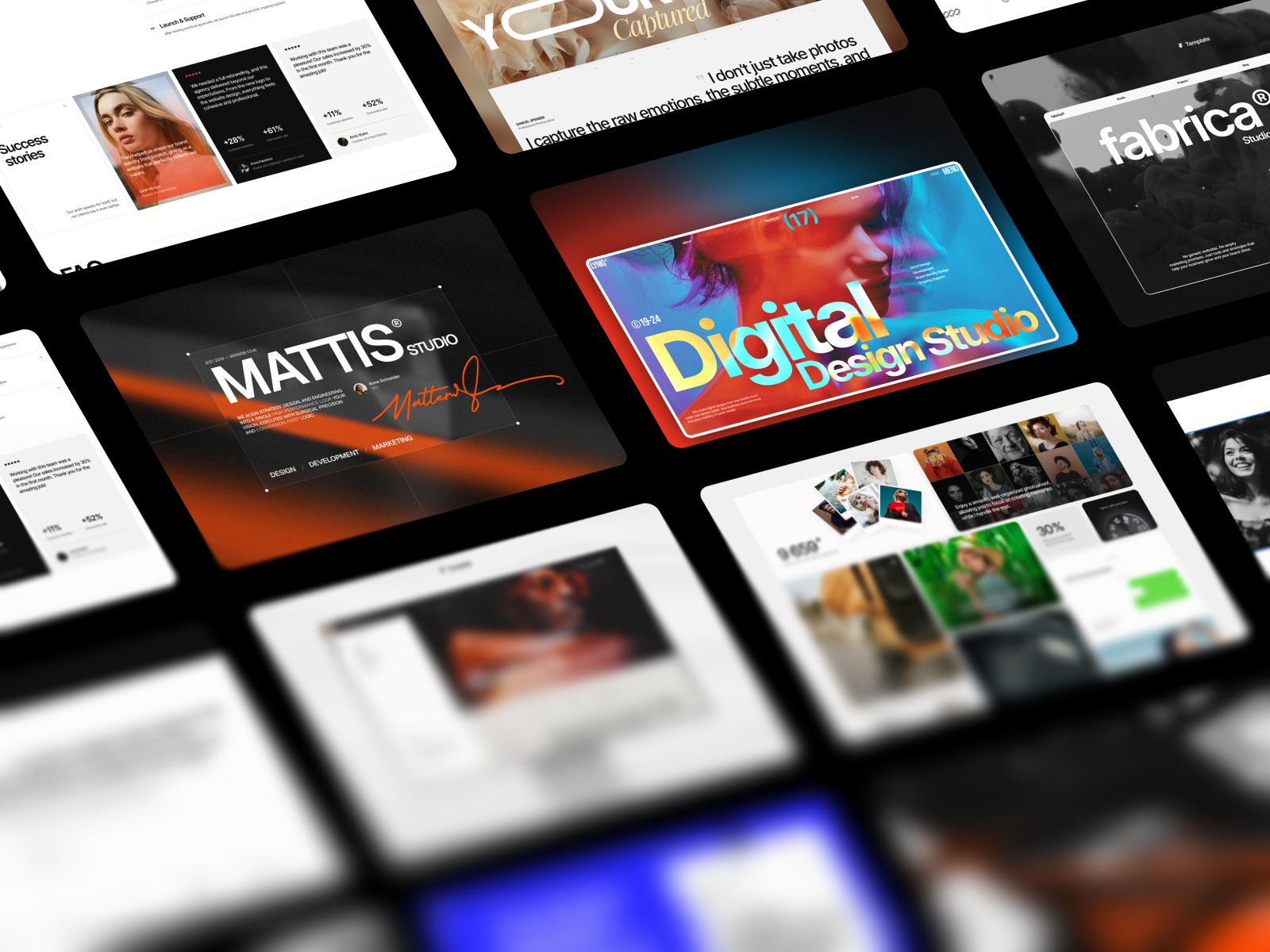
The short version, by what you need:
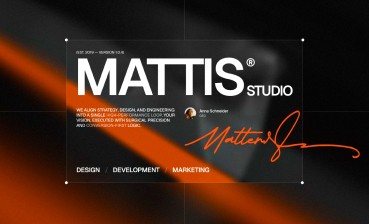
A full agency or dev shop site: Mattis
A studio or portfolio that leads with work: Fabrica
A clean portfolio for free: Praxis
A design agency that wants clients: Lyniq
A standout layout with a fixed sidebar: Trifecta
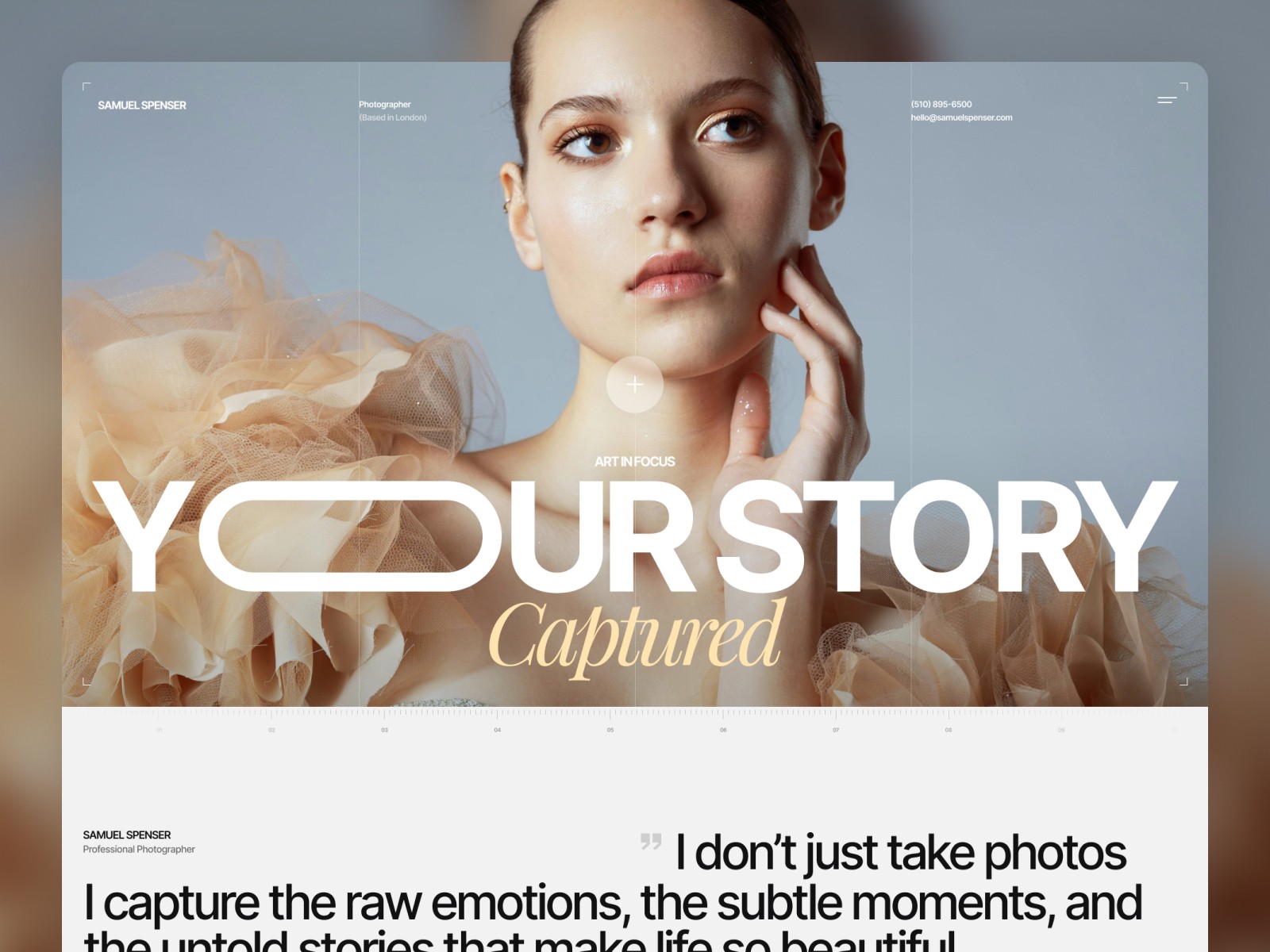
Visual heavy or photography work: Captured
Most developers I talk to do not want to build their own site. We spend all day on interfaces for other people, and then a blank Framer canvas feels like the last thing worth opening on a Saturday. So the marketing page slips. The portfolio sits half finished for a year. The client microsite ends up on some bootstrap theme that looks like every other bootstrap theme.
A good template fixes the part you actually hate. You skip the layout, the spacing, the motion, and you go straight to swapping copy and brand colors. What used to take weeks takes a day or two. That is the whole pitch, and it is enough.
I build Framer templates for a living, so read this as biased but informed. All six below are mine. I am telling you who each one fits and where it lets you down, and I left the praise short on purpose.
1. Fabrica, the studio and portfolio pick
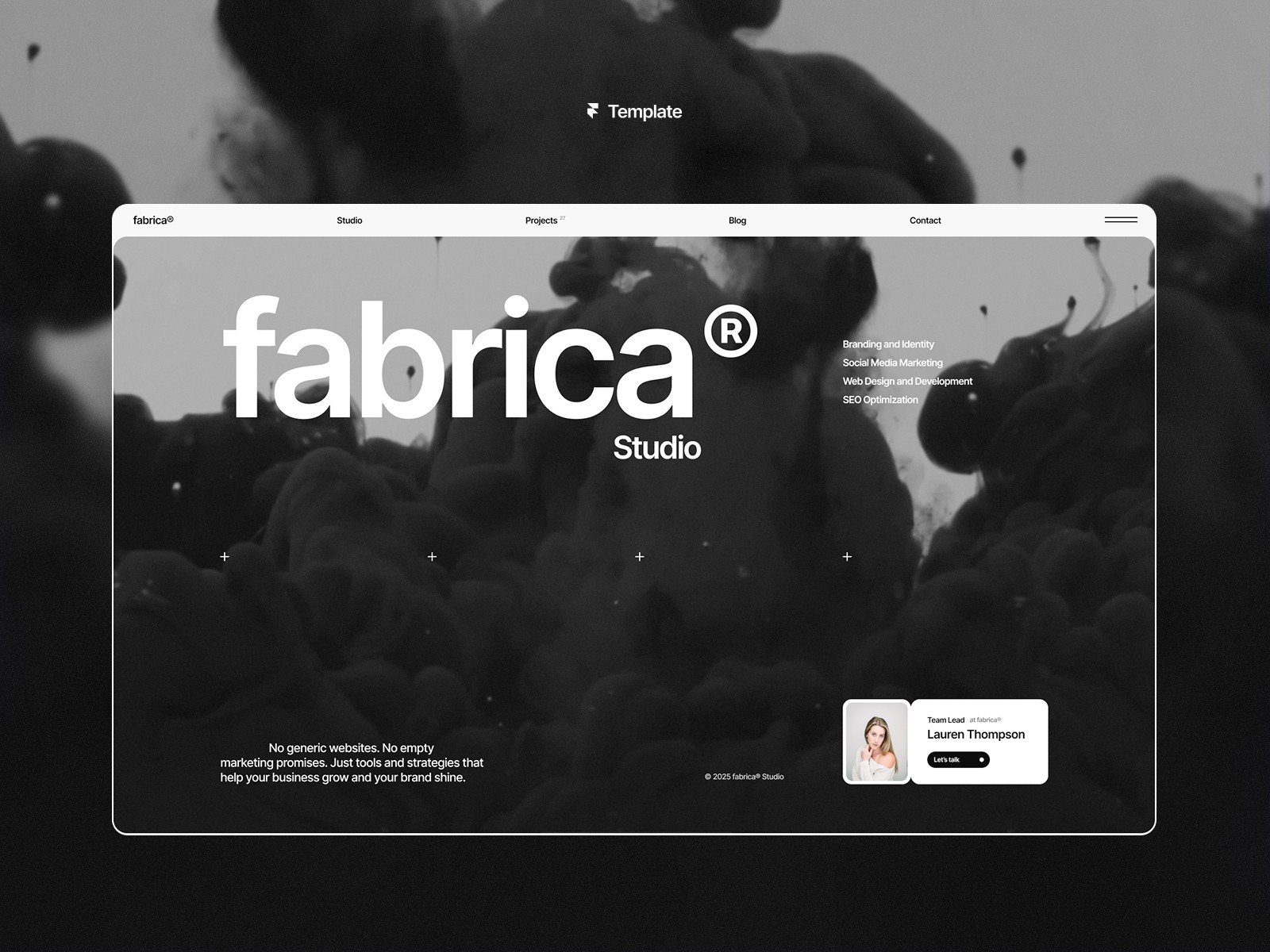
Fabrica is the one you reach for when the work should carry the page. Solo developer pitching like a studio, a small creative collective, a freelancer with strong projects to show. It leans into a monochrome, high contrast look that keeps the focus on your work instead of decoration.
The part that matters for us is the case study structure. Nine prebuilt pages cover project stories, the studio bio, and a blog, and native CMS filtering lets visitors sort your work by category with no plugins. So you document a project once and it reads well for a client and indexes well for search at the same time.
Where it falls short: Fabrica wants real case studies to look right. One project and a thin about section, and the layout feels empty. It rewards people who already have work to show.
2. Mattis, the full agency site
Fabrica shows your work. Mattis runs your business. That is the cleanest way I can split the two, since both are agency templates and people ask me which one almost every week.
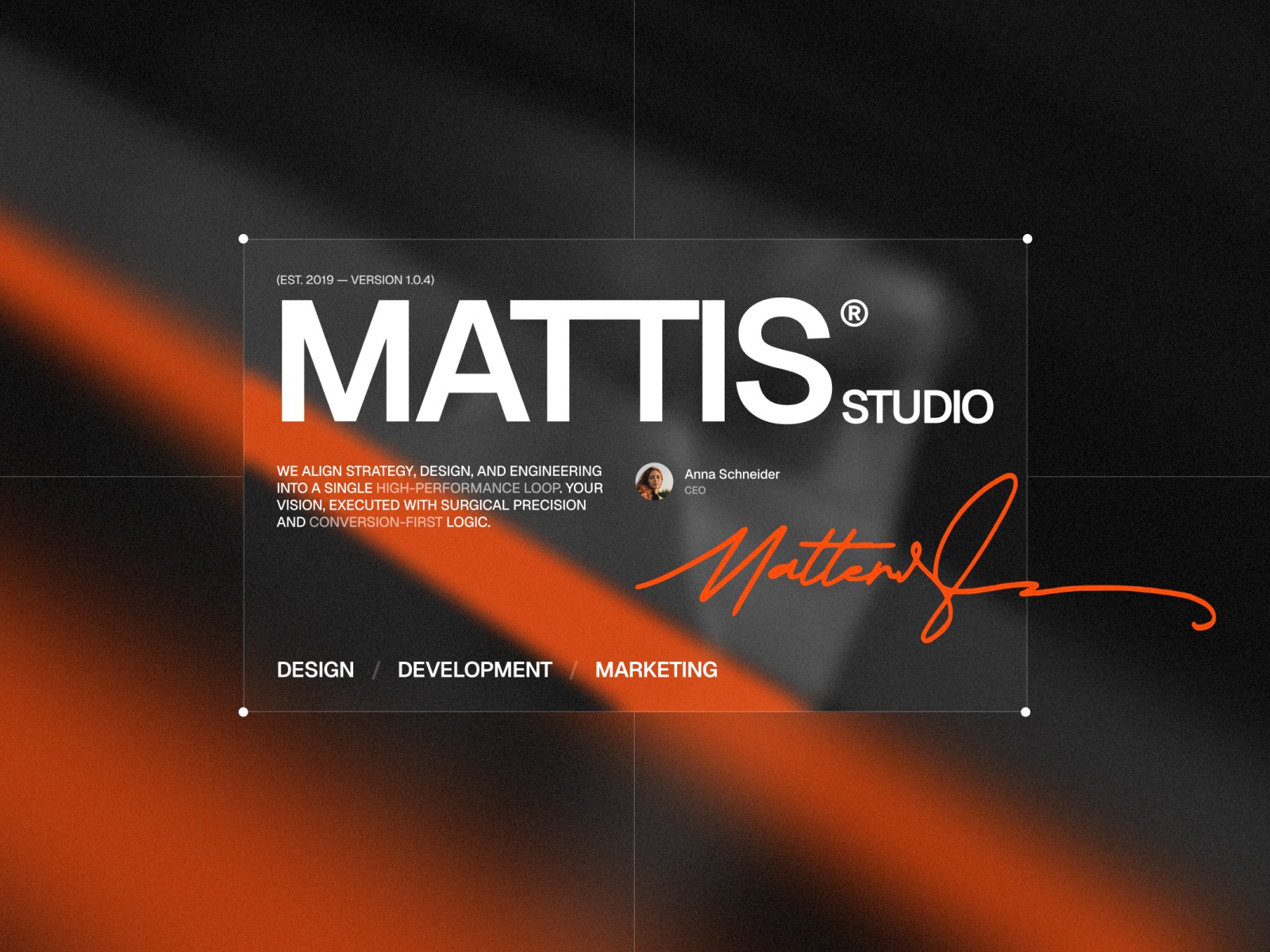
Mattis is built for a full agency or a dev shop, the kind of team that sells outcomes and not just nice screens. It ships with eleven pages out of the box: homepage, projects and a project detail page, blog and blog detail, about, contact, and the legal pages most agency sites forget. It comes in Framer and Figma.
Where it falls short: it is a lot of site. If you are a solo developer with one project to show, Mattis is overkill, and you will be filling agency sections with thin material. It also has a clear look, dark with an orange accent, so if you want light and minimal, this is not it. Praxis stays cleaner and simpler.
3. Praxis, the clean free option
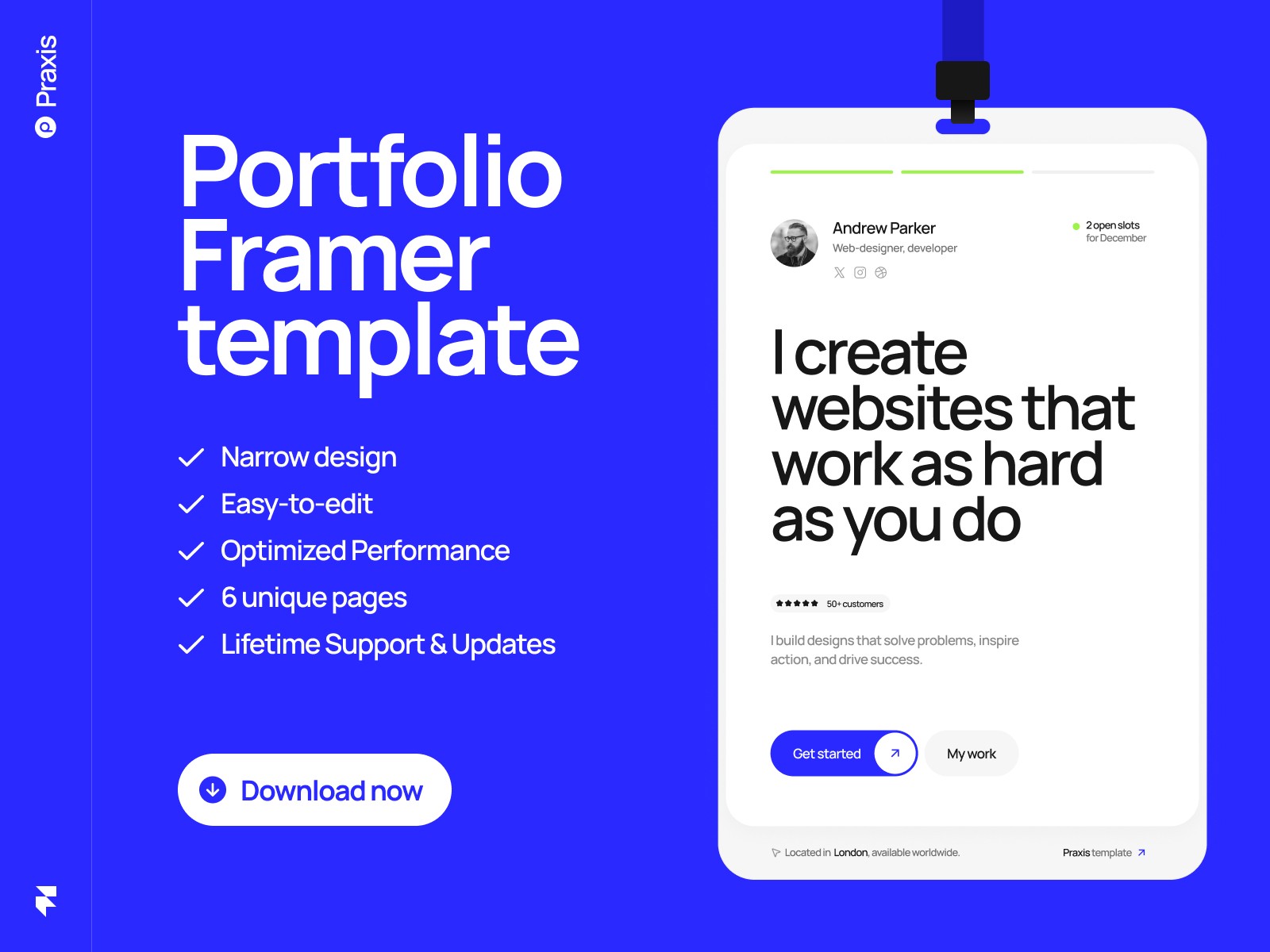
Praxis is free, which makes it easy to suggest for anyone just starting a personal brand. The price does not show in the work. It holds up on the homepage of a serious portfolio.
The whole thing leans toward clarity. Strong hero, a project showcase, a services block, and testimonials. For a developer who wants the work to speak first, that restraint is the feature.
It also behaves well on mobile, and that matters more than people admit. A recruiter opens your link on a phone between meetings. If it feels awkward, they close it. Praxis does not give them that excuse.
Where it falls short: free and minimal means you grow out of it. Once you want pricing tables, a real blog, or richer case studies, you will be looking at a paid template. Think of Praxis as a strong start, not a forever home.
4. Lyniq, the design agency site
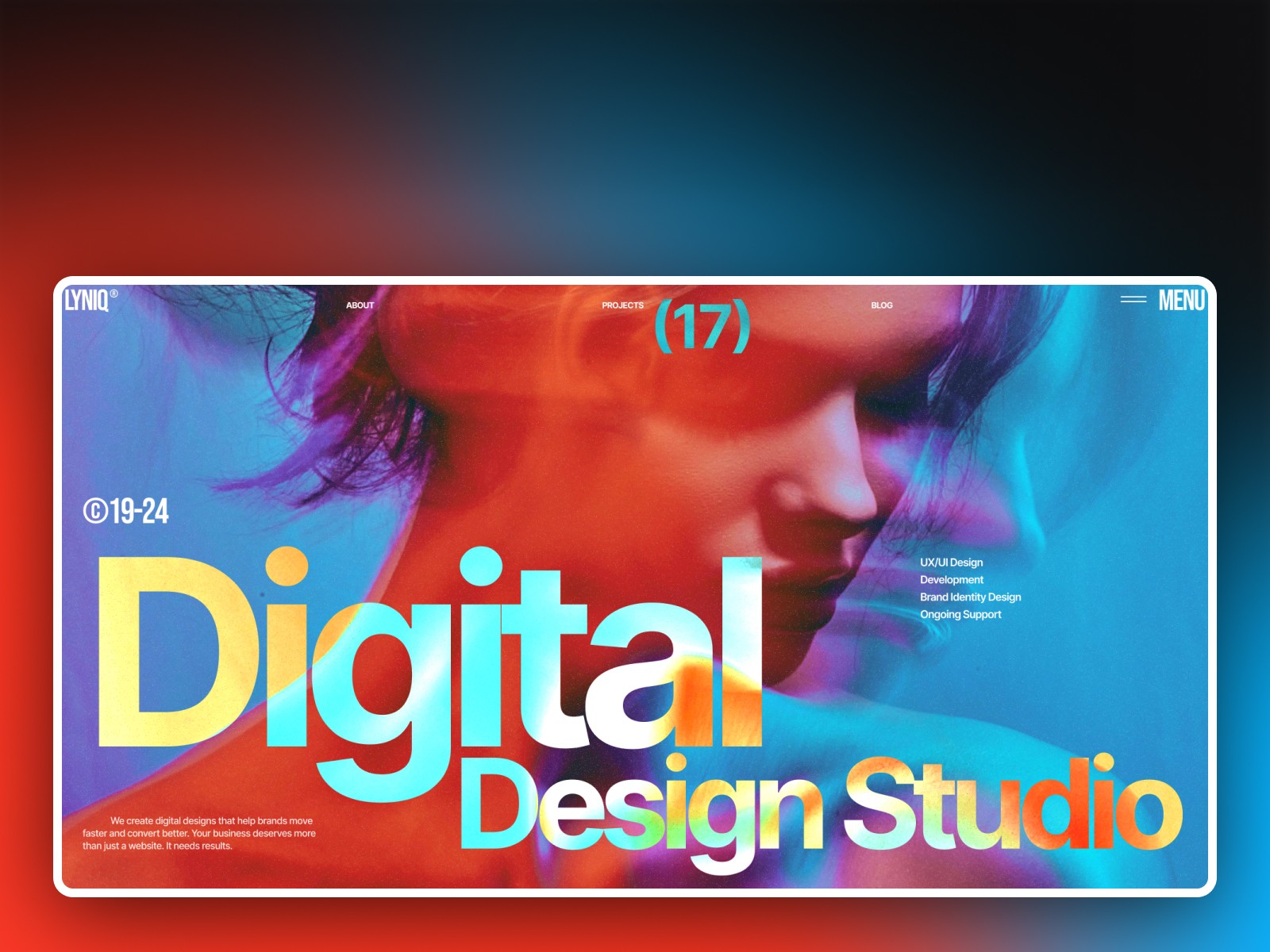
Lyniq is built for a design or digital studio that needs to win clients, not just look nice. It is an agency template through and through. Clear service sections for design, development, and branding, room for case studies and testimonials, and space for the business stats that make a studio look established.
The layout is clean and structured, so a prospect moves from what you do, to proof, to contact without getting lost. That sounds basic. It is the actual job of an agency site, and a lot of them get it wrong by showing off before they explain anything.
Where it falls short: it is aimed at the agency pitch, so it is not the pick for a personal portfolio or a single product page. If you are one developer showing personal projects, Praxis or Fabrica fit better. Lyniq earns its place when there is a team and a service to sell.
5. Trifecta, the one with the sidebar
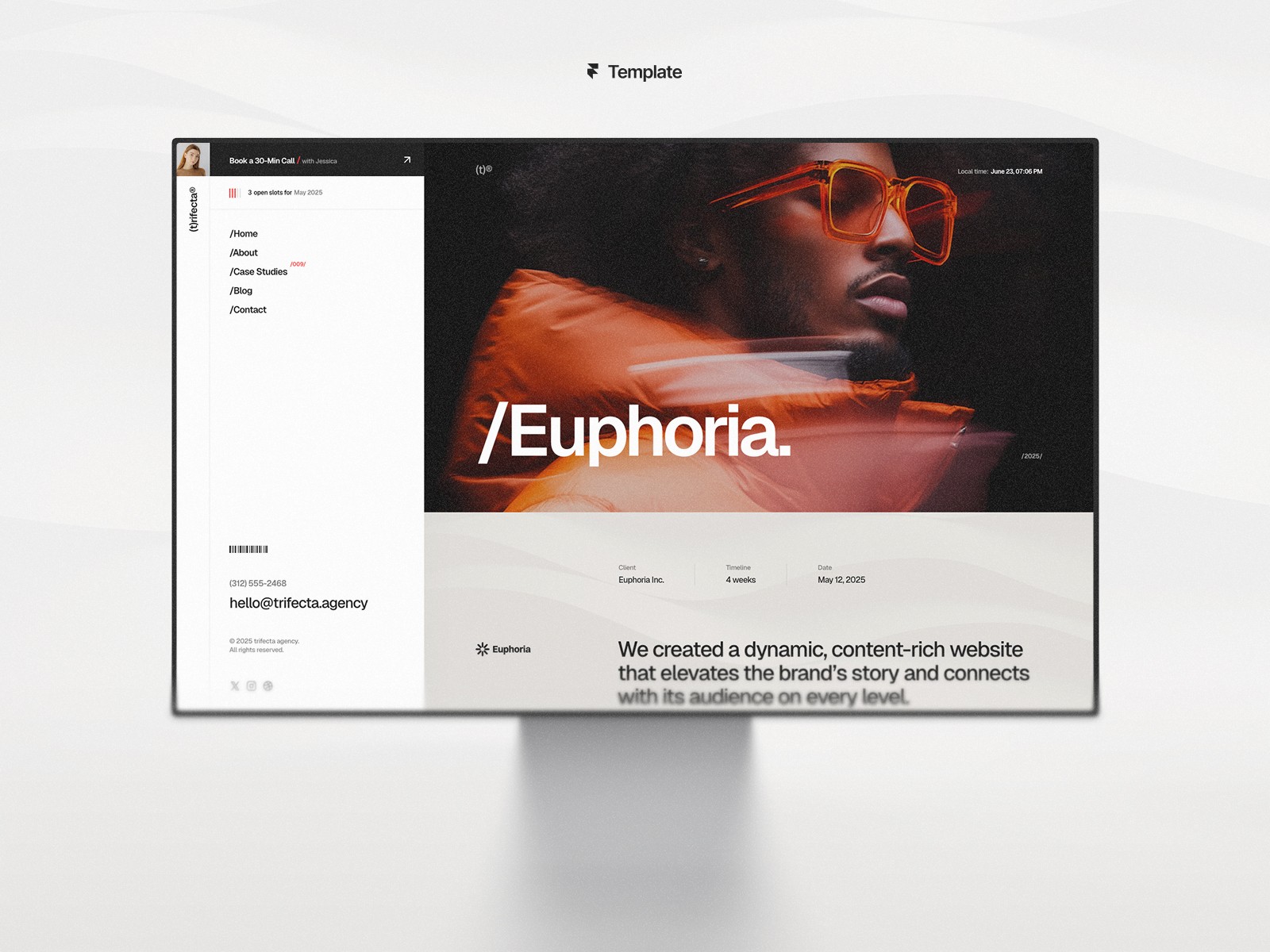
Trifecta's whole personality is the sidebar. Instead of a top menu that scrolls away, the navigation lives in a fixed side panel, so your brand and your links stay on screen the entire time the visitor is reading. It is the thing people remember about this template, and it is the reason to pick it.
Past that, it is a bold agency and studio template with a strong visual identity. You get dedicated sections for services, case studies, team, process, pricing, and testimonials, plus CMS filtering on the work. So you can lay out a full studio offer and still look distinct, mostly because almost nobody else ships a sidebar layout.
Where it falls short: a sidebar is an opinion, not a neutral default. It takes up horizontal room on desktop, it needs care on mobile where it has to collapse into a menu, and if you wanted a plain top nav, this design will fight you. Pick Trifecta because you want the sidebar, not in spite of it.
6. Captured, the visual first showcase
Captured is the right pick when the work is the argument. Front end with a real design sense, creative coding, generative pieces, anything where the image persuades more than the sentence. It is built around large visual blocks, full bleed media, and image treatments that make the portfolio itself feel like craft.
It ships with a live preview, so you can feel the motion and the responsiveness before you commit. That preview habit is underrated. You learn more in thirty seconds of scrolling than in any feature list, including this one.
Where it falls short: it is hungry for good imagery. Feed it weak screenshots or low resolution exports and the whole thing deflates. Captured rewards people who already have strong visual work and punishes people who do not.
Quick comparison
Template | Best for | Price | Watch out for |
Studio or portfolio, work first | $129 | Needs real case studies to fill out | |
Full agency or dev shop site | $129 | A lot of site for a solo developer | |
Clean personal portfolio | Free | You grow out of it | |
Design agency that wants clients | $129 | Built to sell services, not a solo portfolio | |
Bold agency site with sidebar nav | $129 | Sidebar is opinionated, not a plain top nav | |
Visual first showcase | $129 | Only as good as your imagery |
How to pick without overthinking it
The best template is the one you actually launch with. Developers have a habit of prototyping a portfolio forever, and the perfect version never ships. So pick by the story you want to tell this quarter.
If you want the full rundown before you buy, I put it all in a complete guide to Framer templates for developers to see what actually matters.
Studio or portfolio with work up front, Fabrica. A full agency or dev shop site that has to carry a lot of content, Mattis. A design agency focused on winning clients, Lyniq. Want a standout sidebar layout, Trifecta. Clean personal portfolio on a budget, Praxis. Visual heavy work, Captured.
Then customize the copy, drop in your own content, and put it live. You can iterate later. A site that exists and turns visitors into conversations beats a perfect one that lives in your head. Every time.
However, one honest caveat. If none of these match your work, do not force it. A slightly wrong template costs you more in fighting it than a blank canvas would. Better to wait for the right fit than to ship something that feels borrowed.
A short FAQ
Can I use these for client work?
Each paid template comes with a single website license, so it covers one site. If you want to reuse a template across several client projects, the All Access option is the cheaper route. Check the current license terms on each page before you buy.
Do I need to know how to code?
No. Framer is visual, so you edit copy, swap images, and adjust the brand in the editor. Knowing front end just means you can push the customization further when you want to.
Do I need a paid Framer plan?
You can build and customize the whole site for free inside Framer. You only need a Framer plan when you publish on your own domain, and the paid templates use advanced CMS features, so the Pro plan fits best. Current pricing lives on Framer's site.
Will a template hurt my SEO?
Not on its own. Clean structure, real content, and fast pages matter far more than whether you started from a template. A good template gives you a sound base, the content is still on you.