
A developer portfolio is not a gallery. Its job is narrow: turn a stranger who lands on the page into a reply from someone who wants to hire you, work with you, or buy from you. That framing is useful, because it tells you what belongs on the page and what is just decoration competing for attention with the parts that actually do the work.
The portfolios that win in 2026 are built from a small number of well done sections, each with a clear job in moving the visitor from arrival to action. Below are the seven that matter, in the order they should appear, what each is for, and how to do it well.
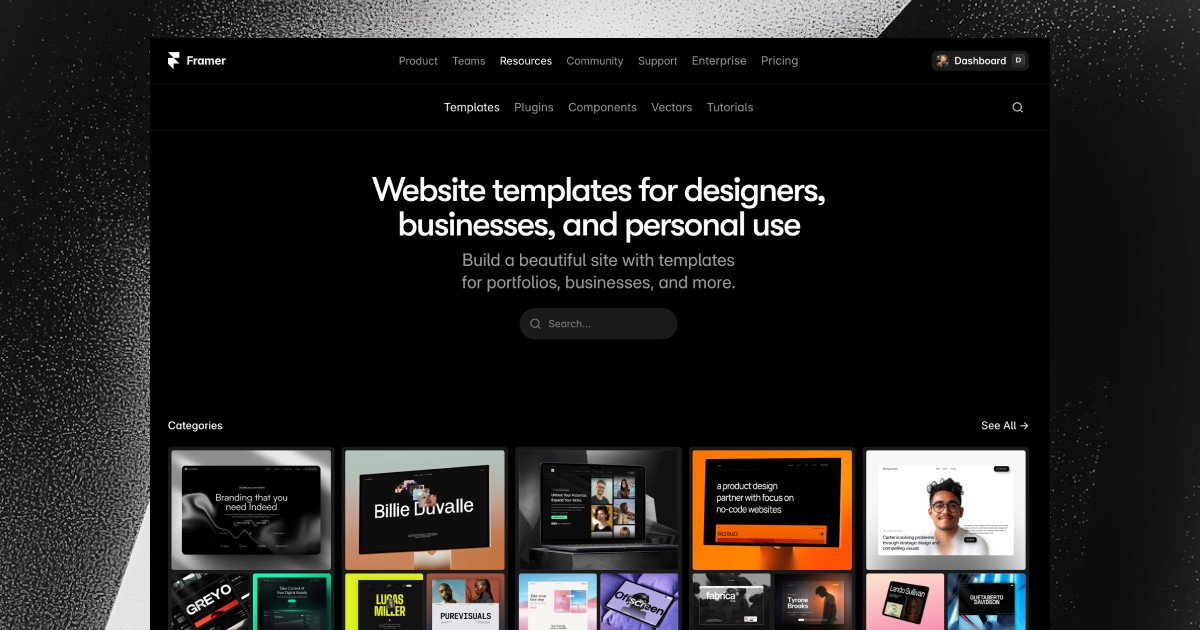
I build portfolio and agency templates for a living, so I will also point out which Framer templates already bake in the right structure, so you can start from a foundation that fits instead of fighting one that does not.
The seven sections, in order
Hero. Say who you are and what you do.
Selected work. Show three to six projects, not everything.
Case studies. Deep pages for the projects that matter.
About. Make the human visible.
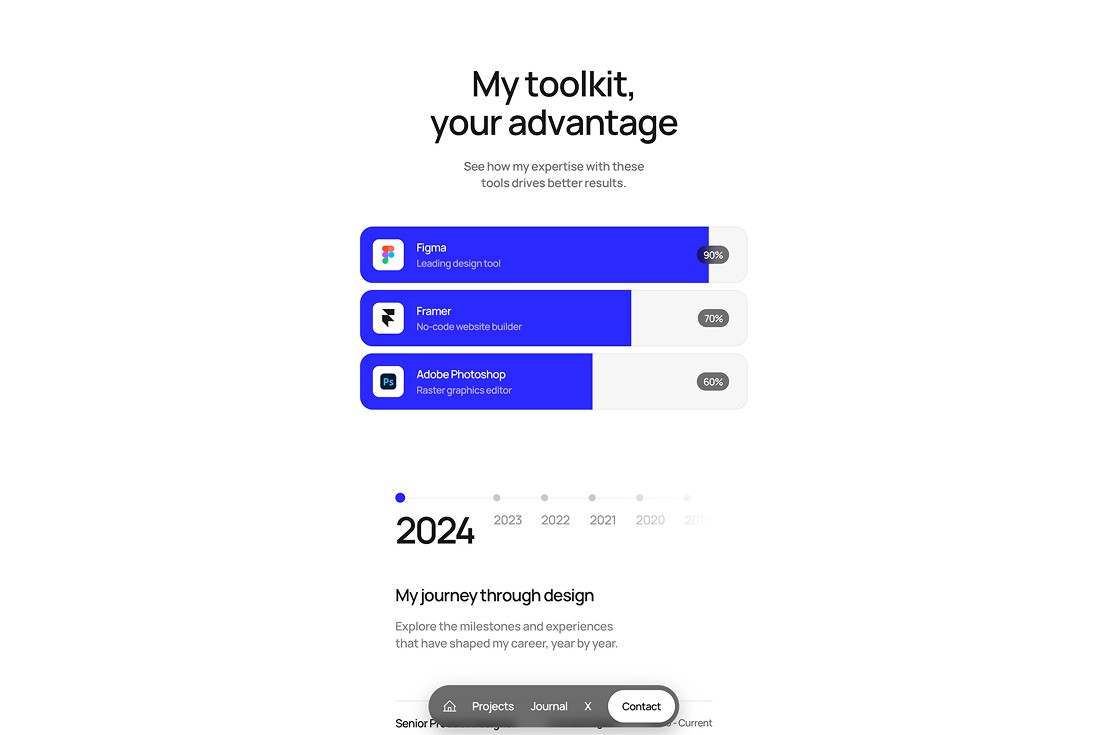
Skills and stack. A short, specific list.
Social proof. One strong testimonial beats ten weak ones.
Contact. Make replying effortless.
The rest of this article is how to do each one well.
1. The hero: say who you are and what you do
Your hero is the most important fifty words on the site. In about five seconds, the visitor needs to know who you are and what you want to be hired for. The most common mistake is a vague hero, something like creative developer passionate about building beautiful experiences, which says nothing and reads like someone who has not decided what they want.
The strong version is specific: front end engineer specializing in design systems for SaaS companies, or full stack developer building performance critical tools for finance. Specificity works in your favor, since it filters out the wrong inquiries and pulls in the ones you actually want.
2. Selected work: show, do not list
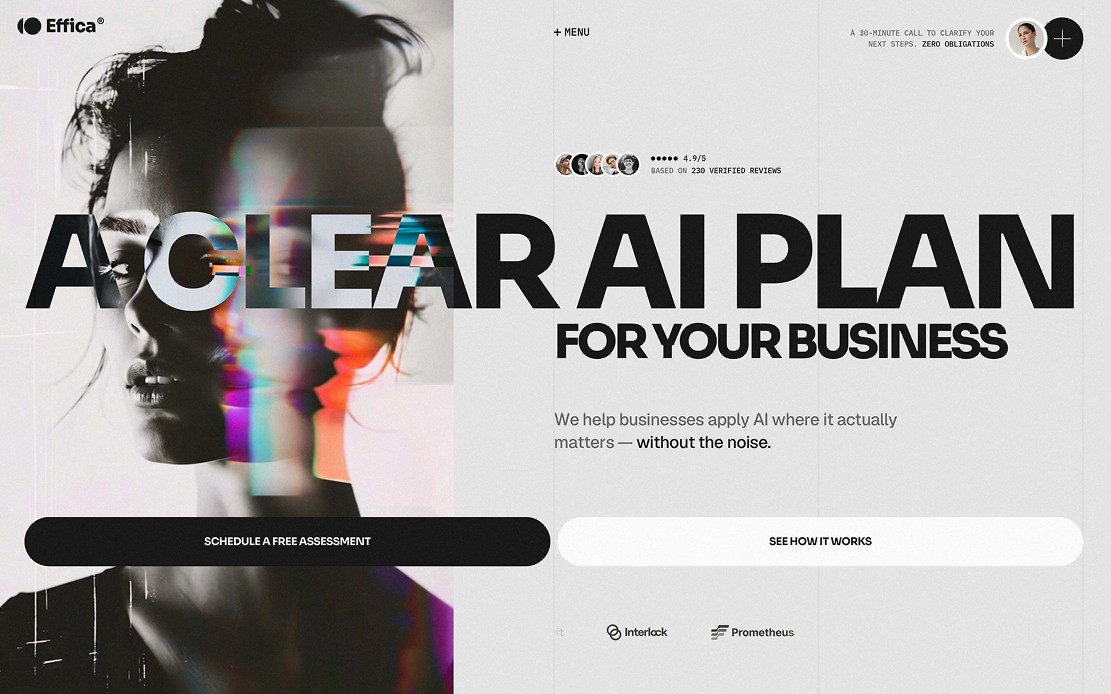
Show three to six projects, not everything you have ever touched. Piling in every side project dilutes your strongest work and makes the whole portfolio read as junior.
Give each project one clear thumbnail, a one sentence description of what it is, and a link to a case study or a live demo. Curation is the real skill here. Three strong projects shown well will beat ten uneven ones every time.

3. Case studies: the trust builders
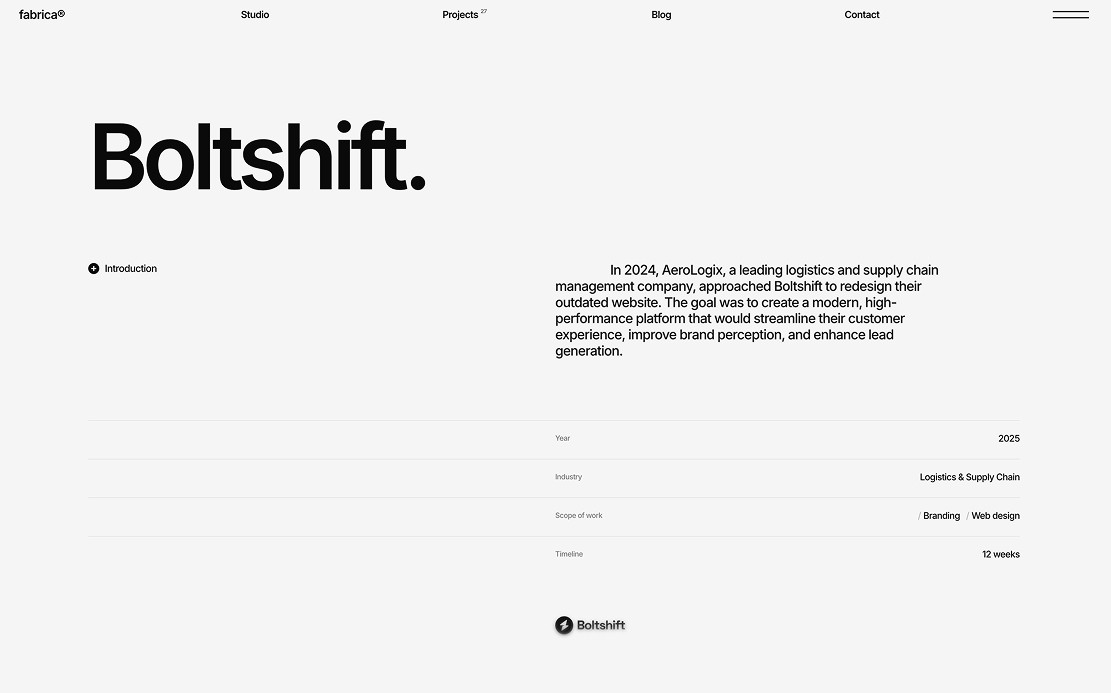
For the projects that matter most, a dedicated case study page does more than anything else on the site. Keep the structure consistent: the problem, the constraints, your approach, the trade offs, and the outcome.
The hiring managers and clients who are seriously considering you will read these closely, and a good one turns a maybe into a reply. Templates like Fabrica and Webstack already ship with solid case study structures, which is worth a look to see how each handles the narrative. Writing them takes real effort, but it is the highest leverage content on a portfolio.
4. About: make the human visible
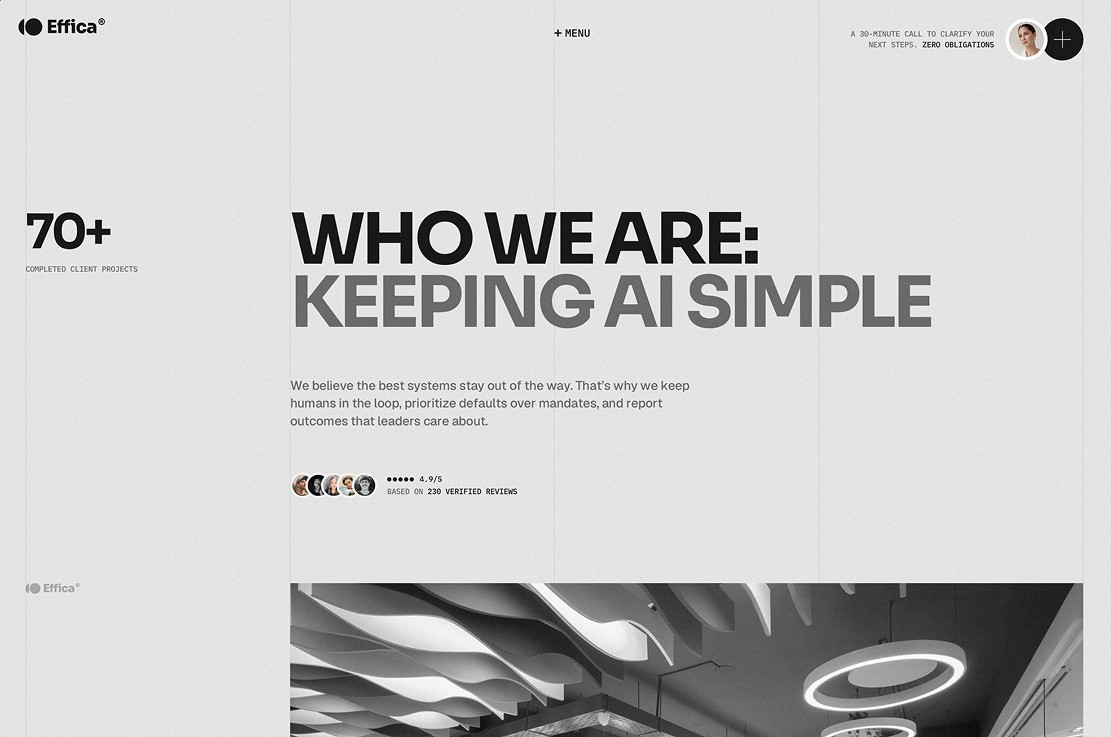
The about section is where you stop being a list of skills and become a person. A good one answers two questions: what are you like to work with, and what do you care about beyond the code. One paragraph is usually enough.
A photo helps, the same way a LinkedIn photo does, because it makes the reply the visitor is about to send feel like it is going to a human and not a company. Do not let it read like a resume. Aim for a short, honest introduction.
5. Skills and stack: signal, not noise
Skills sections are easy to get wrong. A long list of every technology you have ever opened signals insecurity and makes the reader do the filtering you should have done yourself. A short, specific list signals seniority.
Name the five to eight tools you are genuinely strong with and want to be hired for, and leave the rest off. If a project needed something specific, note it there instead of cluttering this section.
6. Social proof: testimonials and client logos
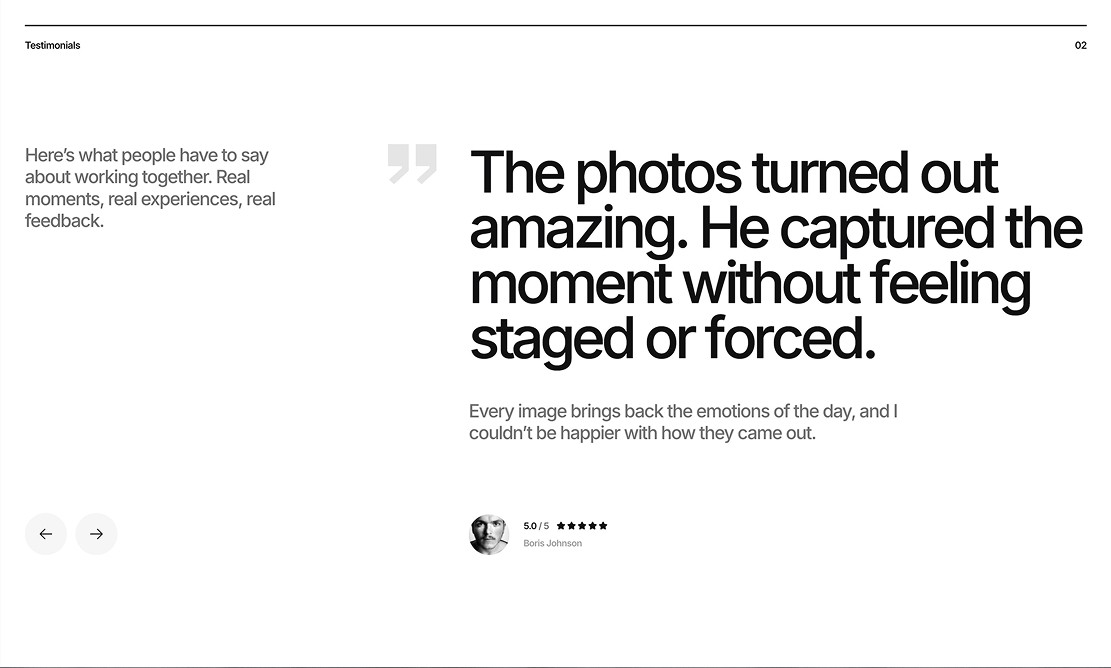
Developers underuse social proof, which is odd, because it is one of the cheapest trust builders on the page. A single strong testimonial from a credible client or manager, placed at the right scroll depth, can move someone from skeptical to convinced. Recognizable client logos do the same job with even less reading.
If you are early in your career and have none, ask for one after a project goes well. That is normal practice, most clients are glad to help, and over a couple of years a small library of testimonials becomes a real advantage.
7. Contact: make it easy to reply
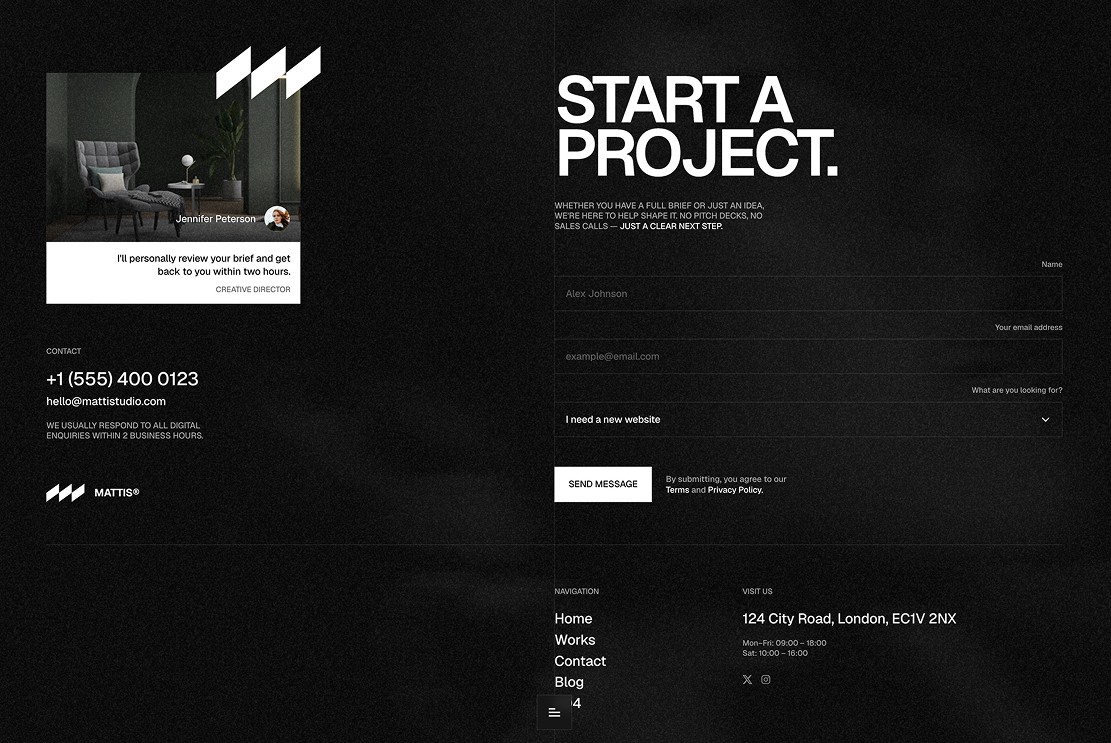
The last section should do one thing well: make it obvious and easy to start a conversation. That means a visible email or a clear scheduling link, not a form buried three scrolls down. Forms add more friction than most developers think, and they lose people in the exact moment they were ready to act.
The best contact sections are almost boring: here is my email, here is my calendar, here is how fast I reply. Anything cleverer tends to get in the way of the one action the page exists to produce.
What order they go in
The sequence that works is hero, selected work, about, case studies reached through the work links, skills, social proof, contact. It is not the only valid order, but it matches how interested visitors actually think: what do you do, show me, who are you, prove it, let me reach out.
Good portfolio templates follow this by default, which is one quiet advantage of starting from a strong foundation. The template does not just save time, it encodes the right order, and that is itself a conversion decision.
If you want help choosing one, I compared the options in a rundown of Framer templates for developers. And if you would rather see a portfolio built end to end, I walked through it in creating a developer portfolio in Framer.
A short FAQ
How many projects should I show?
Three to six. Enough to prove range, few enough that only your best work is visible.
What if I have no testimonials yet?
Ask for one after your next successful project. Most clients are happy to write a couple of sentences if you make it easy for them.
Do I need a case study page for every project?
No. Write them for the two or three that matter most, since they take real effort and that is where they pay off.