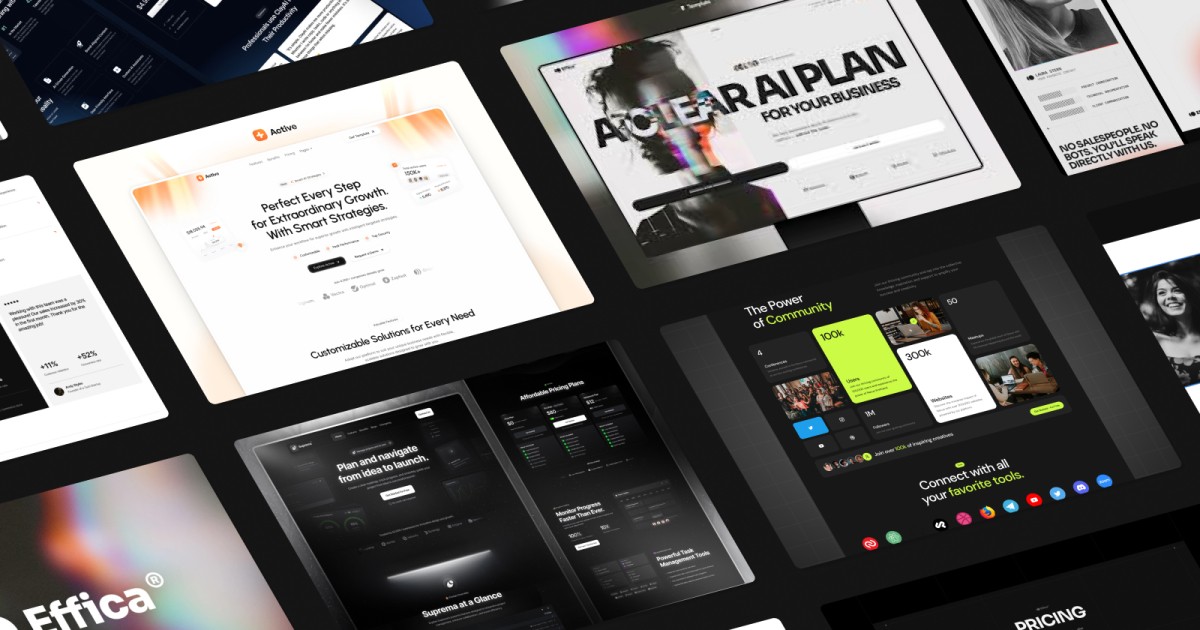
Using a Framer template allows you to select a responsive, fine-site polished base that you can configure. In this article, we take a look at a few standout templates that are nicely developed for freelancers and developers, we will also offer an explanation of their standout features, and tips to narrow it down for your portfolio after building it out.
Why Choose a Framer Template?
Before we consider going into templates, let's talk quickly about how templates can be beneficial in shaping a portfolio as described above:
Efficient and time-saving: A portfolio template saves a lot of initial work on laying out the base elements and interactions, leaving you to focus on the style and content for your portfolio.
Interactive polish: Framer supports animation, micro-interactions, scrolling dynamics, and subtle transitions that will improve your portfolio.
Responsive and adaptable elements: The templates have components integrated that respond and work across devices, and you do not start the conversation about responsive design from the ground up.
Sustainable templates – if you have seen templates set up in a way that encourages you to customize – upfront if you are interested.
Best practices – Good templates often have a functional layout intended towards SEO, accessibility, and performances out of the box.
That said, templates are designed as a starting point, it is what you put in (your stories, content, and your own creative narrative) that makes a difference.
Templates to Consider Using as a Freelancer or Developer
Here are a few Framer templates that actually work well for freelancers, coders, and creative technologists. Each one provides a solid framework to support your primary goal (getting hired or selling your work), so you can focus on the content rather than fighting with the layout.
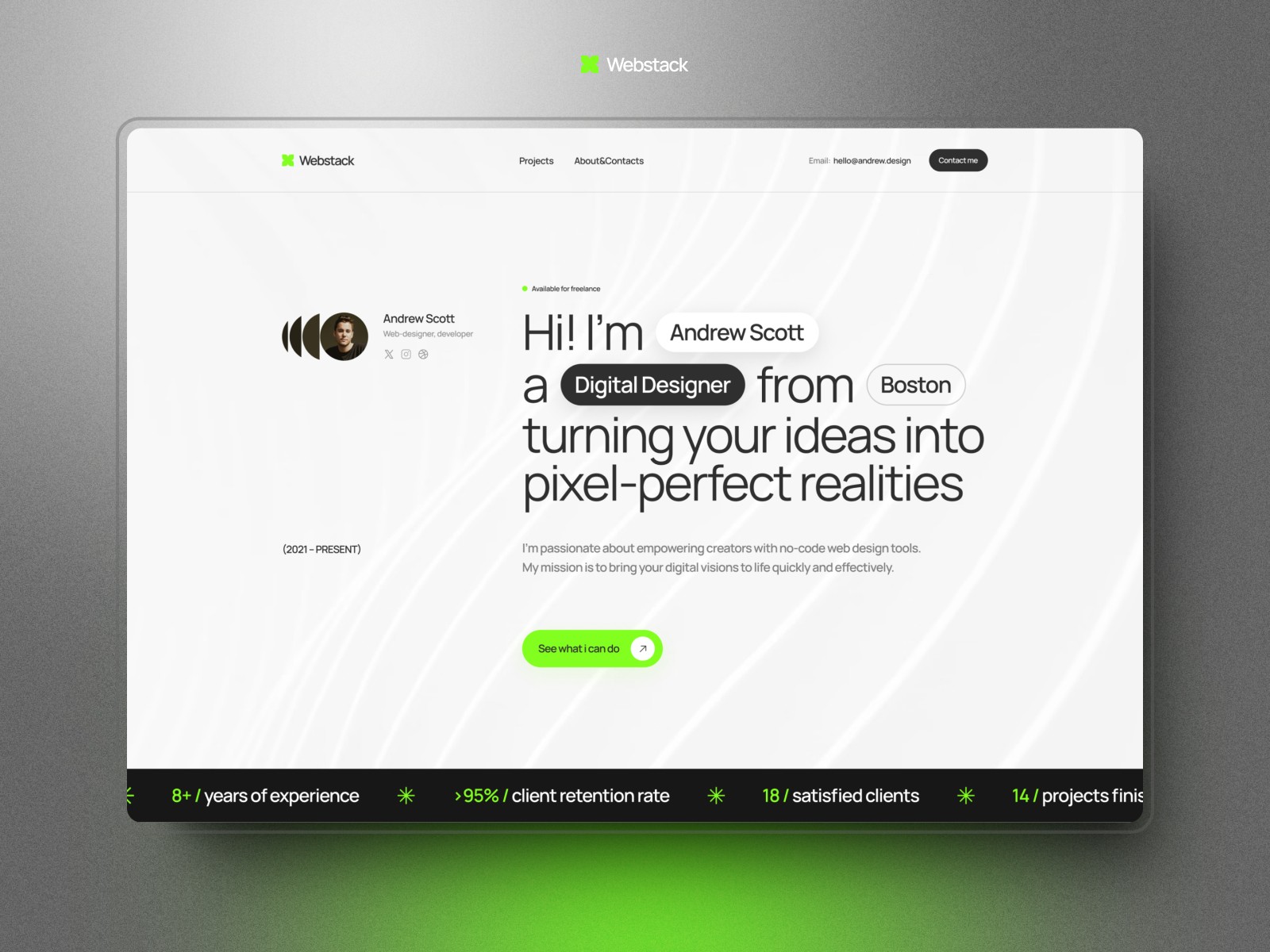
Webstack (Versatile Grid Template)
Webstack is a robust option if you need to organize a lot of disparate information for free. It leans into the "bento-box" grid style that is quite popular right now because it is efficient.
Why it works: It is highly organized. If you have a diverse set of projects or need to showcase a complex tech stack alongside your visual work, Webstack keeps it tidy. The grid structure allows you to mix code snippets, tools, and project previews without the page feeling cluttered.
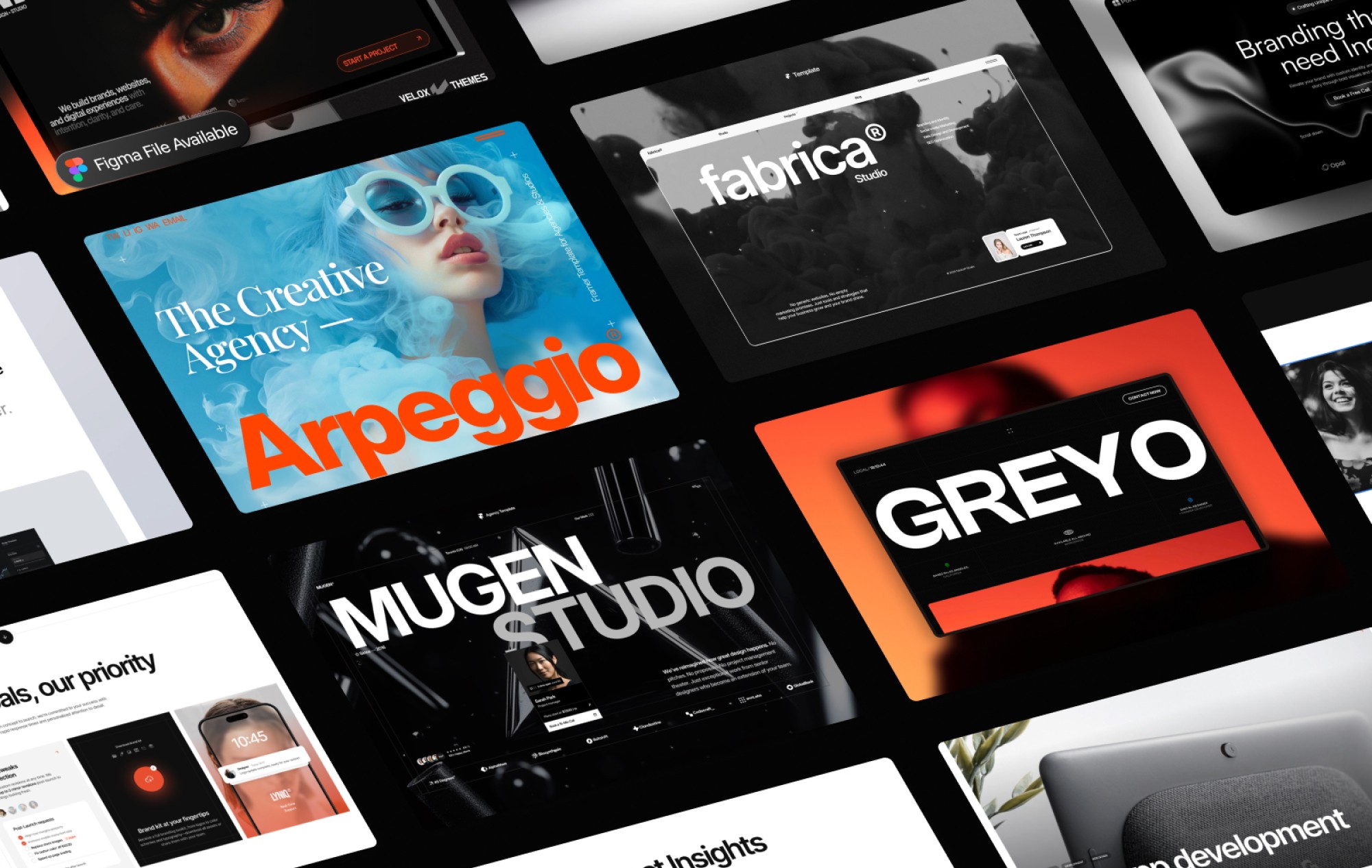
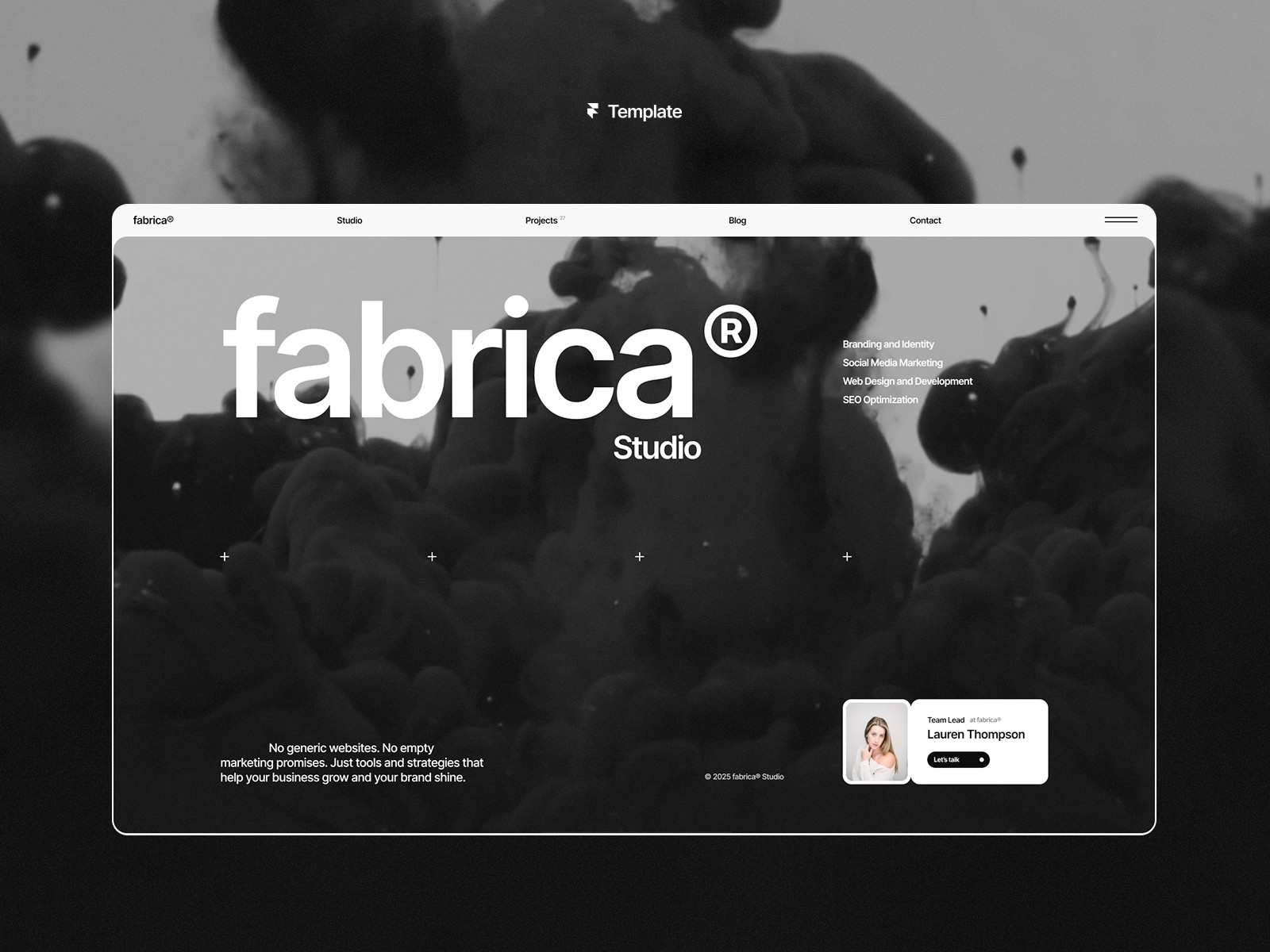
Fabrica (Modern Agency Template)
Fabrica combines a sort of industrial boldness with a very rigid, reliable structure. It strikes a nice balance between being creative and looking professional.
Why it works: It feels solid. The template handles large headlines and structured content blocks very well. For a developer who wants to demonstrate that they can build complex, orderly systems while still having good taste, Fabrica is a safe, high-quality bet.
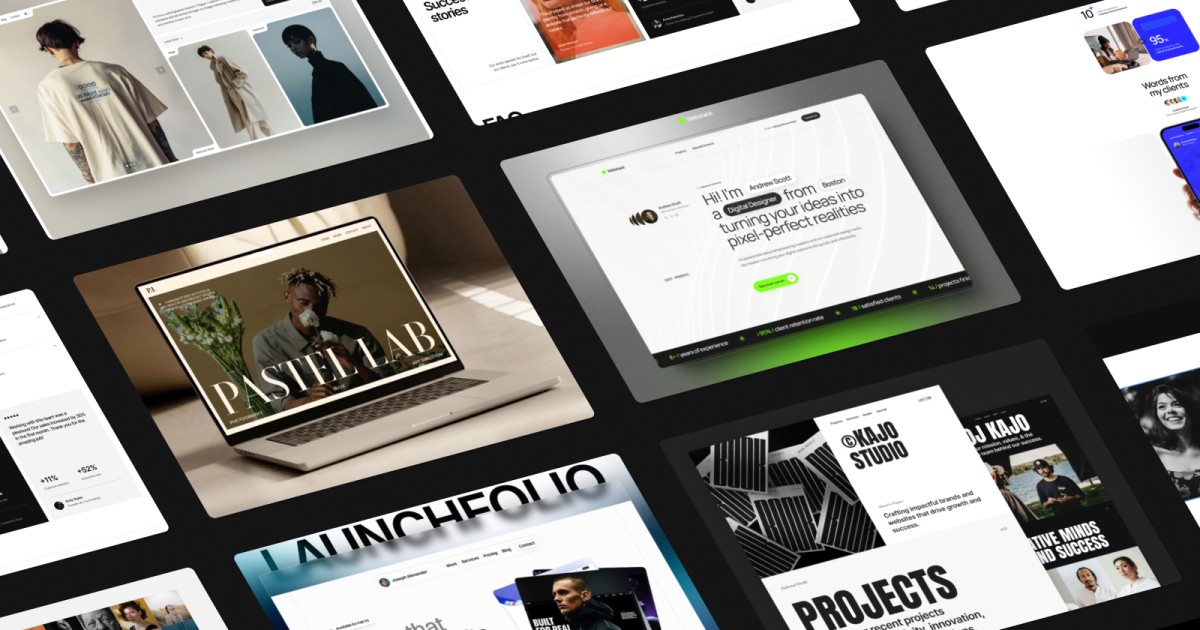
Pastel Lab (Creative Studio Template)
Pastel Lab offers a different vibe—it is softer, airier, and feels more like a modern creative studio. It moves away from the dark, heavy aesthetic often found in developer portfolios.
Why it works: It feels approachable. The visual hierarchy is designed to lead the visitor’s eye smoothly through large imagery and clear typography. If you want to position yourself as a creative partner rather than just a "technical resource," this is a strong choice.

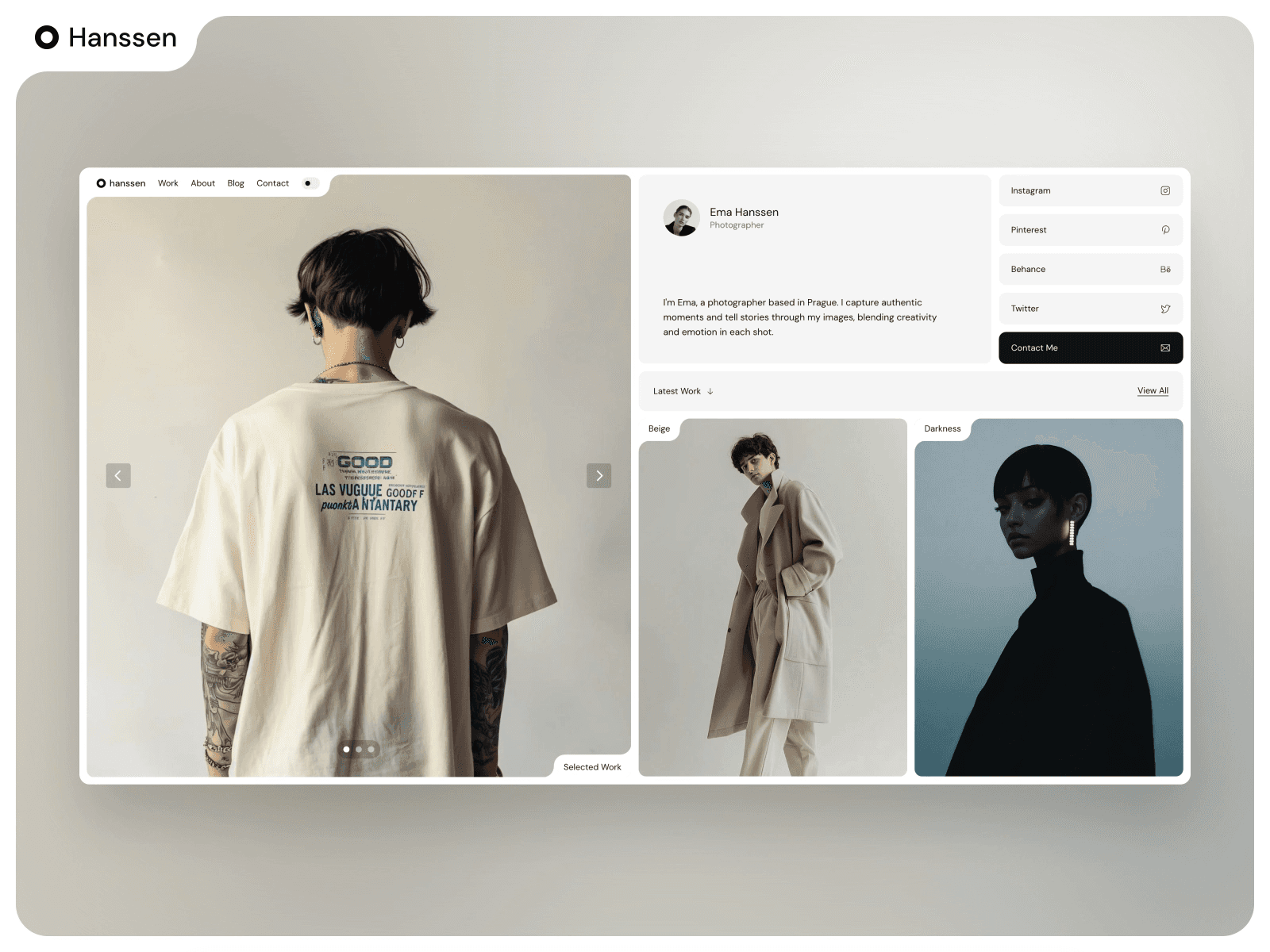
Hanssen (Minimalist Portfolio Template)
Hanssen is for the minimalists. It strips away almost all the decorative noise to focus entirely on the content and the typography.
Why it works: It’s confident. Sometimes we try to compensate for a lack of content with flashy effects, but Hanssen forces you to be restrained. It is an excellent choice for senior specialists where the work speaks for itself and doesn't need much embellishment.
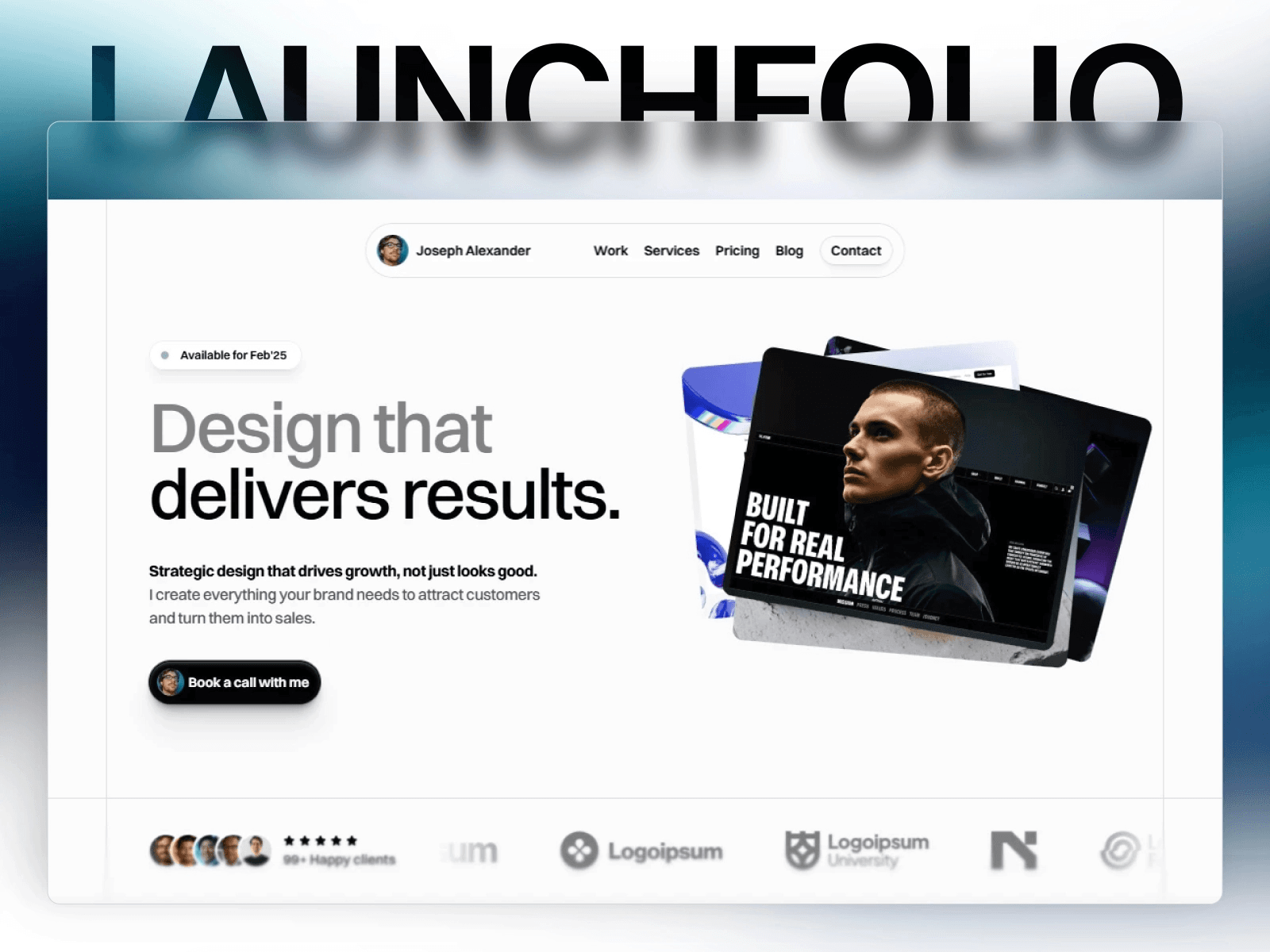
LaunchNow (SaaS & Landing Template)
LaunchNow is a bit different; it is less of a standard CV and more of a launchpad for products or productized services.
Why it works: If your goal as a freelancer is to sell a specific package, a course, or a SaaS product, this template is built for that. It focuses on conversion. It includes sections for features, pricing, and clear calls to action (CTA), which are often missing from standard "gallery" style portfolios.
Other Templates to Consider
There are many portfolios available at Framer in their gallery and in third-party collections. For inspiration, I recommend looking at "35+ Best Framer Templates for Portfolios (2025)" sitebuilderreport.com, listing the best free and paid templates. Spider has unique templates like Agentic, Athos 2.0, Brickfolio, and so on. Report.com has about 30 others templates to browse as well. Also, check out the curated site mockuuups.studio - "14+ Best Framer Portfolio Templates" gives you many ideas and links to templates you may consider remixing. Studio Mockuuups also worked with designers to create reusable mockup templates. Finally, reddit threads discuss their favorites including templates like Dashfolio+ and Cyberfolio - a few top choices for creatives and freelancers.
What Qualities Make a Portfolio Template Valuable for Freelancers & Developers?
Not all templates that are visually appealing are great options. Here is a list of features to look for:
Clear Project Experience & Case Studies
Workers want to browse projects and do a deeper dive into the details. Having a template with project overview pages + detail pages is helpful. Use layouts that let you showcase the problem, your process, and the solution.
Strong Hero & First Impression
The top fold (hero section) of your portfolio should allow you to communicate who you are, your area of expertise, and your value proposition. Good templates allow the placement of a headline, subhead, and primary call to action to maximize your impact in the fold.
Balance Visuals and Technical Details
A developers works with code, architecture, or functionality. Choose a template that allows for a balance of code snippets, visuals, GIFs/screenshots, or active demos of your products/clients without giving something up in design.
Performance & SEO
Fast loading time is a critical detail for your portfolio, as well as optimized assets (images, fonts), structure, meta tags, and alt texts. Choose templates and designs that have light weight and are optimized in mind (e.g. SEO for Smooth and other templates).
Responsive and Scalable
The portfolio template should scale gracefully across phones, tablets, and wide desktops (add any custom dimensions). The template should allow for additional pages and/or sections (blog, about, services, etc.) if you desire.
Ease of Customization
Templates that allow over use of colors, typography, animations, layout grids, components and other details will allow you to get more of a feel of your portfolio.
FAQ
Is it essential to be coding-literate to use these templates?
Not essentially. Framer templates have a visual editing environment. You may utilize bits of code for refined customization, however a number of freelance professionals have built impressive portfolios without coding.
Can I combine elements from several templates?
Yes in most cases. You are able to transfer parts or component pieces of another template. The only thing to be mindful of is naming conflict, possible styling overrides, and ensuring consistency within your design systems.
How many project pieces should I add?
Quality over quantity. In order to have a good body of work 4–8 strong, representative projects are a reasonable number. If you have more than this then you can use a 'See More Work' gallery or a paginated project list with a content-management system.
Are free templates acceptable for professional portfolios?
They can be. Free templates such as Pentos, Constantin and PortflowX will give you a good base. Often however, paid templates can offer additional interactions, more layouts, more features or more support that can give you a competitive advantage.
How can I get my portfolio to convert visitors to clients?
Have clear calls to action (i.e. 'Hire me', 'Get in touch')
social proof/testimonials; processes & results (not only the visual)
make your contact or booking information easy to find.